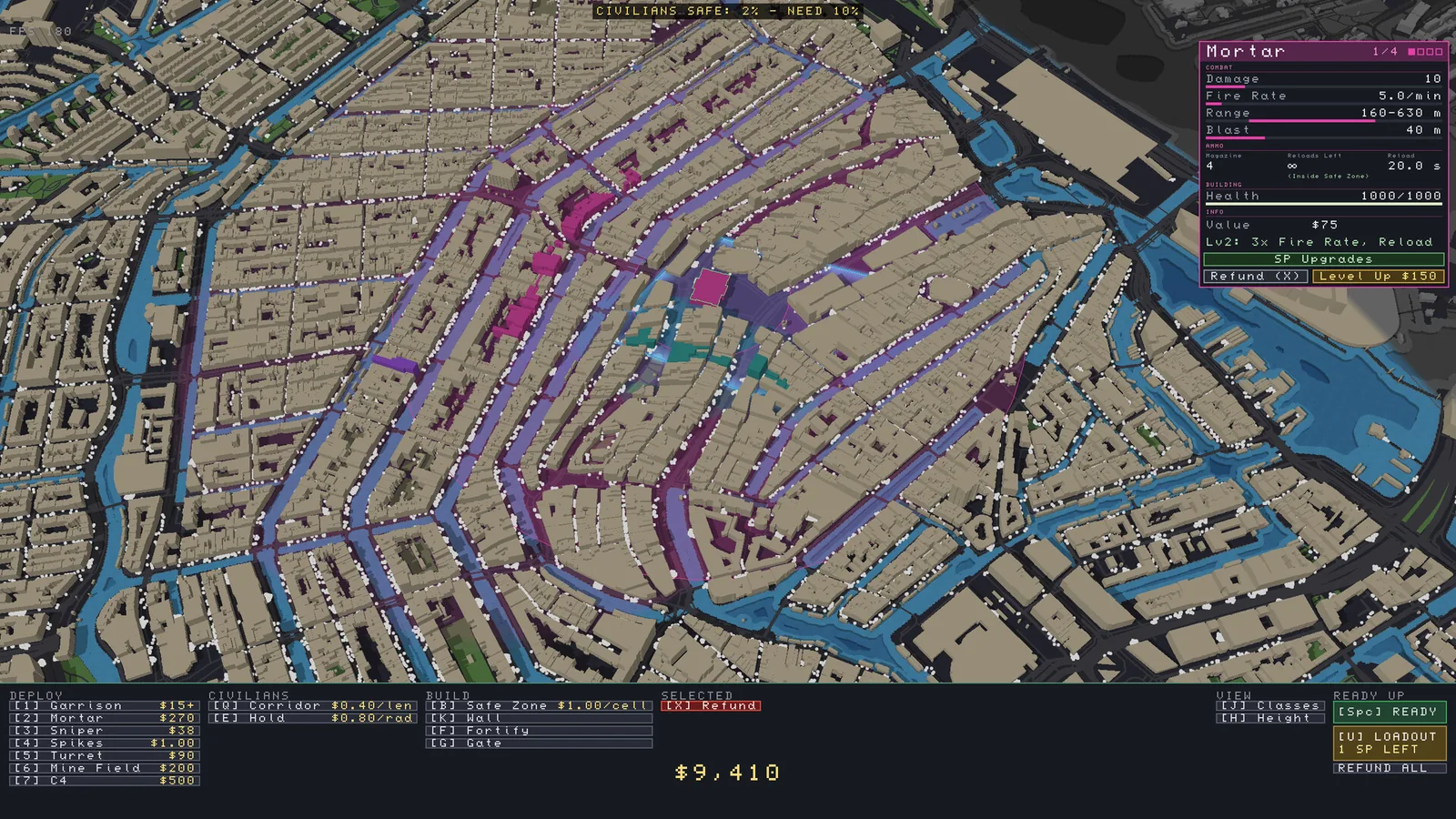
Use your selected defense’s ranges and coverage to fill a gap. In v0.43.1 mortars no longer kill civilians or damage safe-zone walls, but manually aimed attacks named in the patch still do.
Match the defense to the gap in your setup
Defense
Where to start
What to check
Garrison
A building covering the gate approach
Select the building, check coverage and confirm it reaches the street where the crowd is moving
Sniper
A position with a long view down an approach
Read its visible range and check nearby buildings before placing
Turret
A street that needs a dedicated defense
Check its firing area and any ammo limit shown in the selected panel
Mortar
A part of the approach that benefits from area coverage
Inspect the selected unit’s range, including any minimum range, before relying on it at the gate
The selected asset panel shows ranges, ammo and upgrades. Read the current build for current values. · Jogamedev · Steam store screenshot · Jogamedev · Steam store screenshot
Friendly fire in v0.43.1
Developer-listed behavior
Examples
Civilians and safe-zone walls protected from these assets
All mortars, battleship, tank, helicopter, mines, burning oil, and the Exploding Officers perk
These aimed attacks still damage civilians and safe-zone walls
Airstrike, fire bomb, cluster bomb, cruise missile, AC-130, nuke, Controlled Demolition, and C4
Check the exact action name before using support over a crowd. The patch lists the helicopter and AC-130 in different groups. The table tracks that specific change and does not predict how unnamed assets behave. Review the gate layout or achievement rules before starting a run where civilian losses matter.